
One command to release to every kind of device
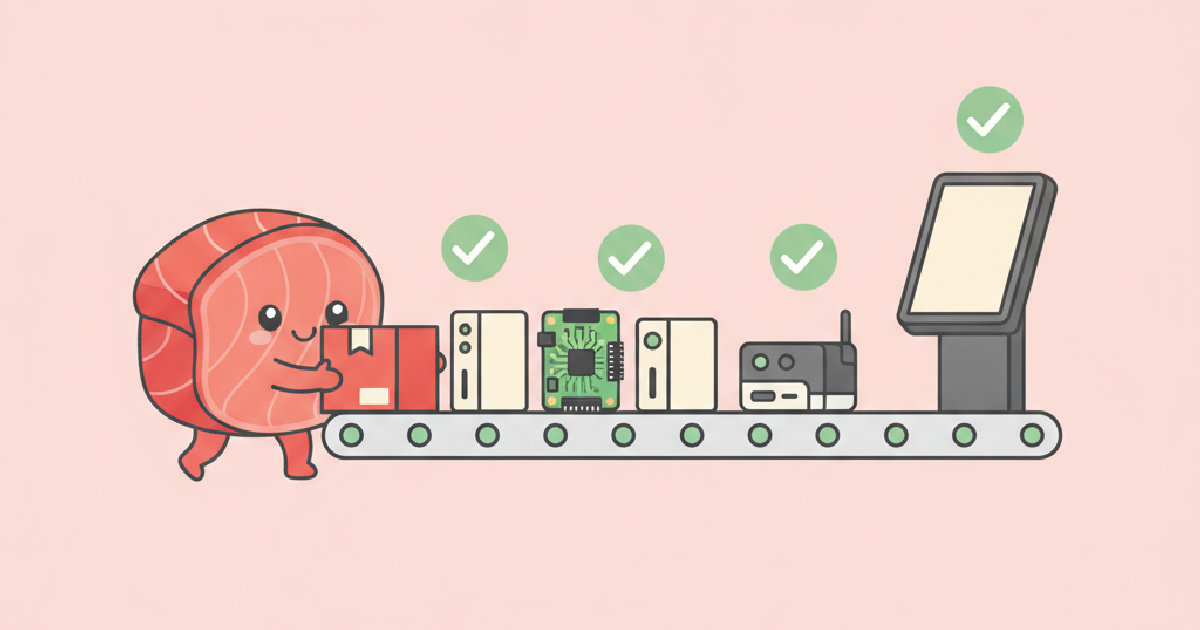
Real fleets are rarely uniform. The older sites have Raspberry Pi 3 boards, the newer ones a Pi 5, and the industrial installs use a fanless x86 mini PC. Software teams end up with several build pipelines and several ways to deploy. It does not have to be like that.
One folder, one command
You describe what to run in a small tuna.json next to your code and publish it from that folder:
tuna push my-fleet --notes "faster start-up"That is the whole workflow. The release is signed on your machine, uploaded once, and every device in the fleet picks it up at its next check-in.
Different CPUs
If your release is scripts or interpreted code (Python, Node, shell), the same release runs on arm64 and x86-64, so nothing special is needed. If you ship compiled programs, build one release per architecture and say which it is:
tuna push my-fleet --arch arm64 --notes "pi build"
tuna push my-fleet --arch x64   --notes "pc build"
Each device receives the release that matches its own architecture, and a fleet can have a current release for each.
No containers to host
Services run as plain processes, so there is no image registry to operate and no container engine eating memory on a small board. Anything the services need from Debian, such as a database or a browser, is declared as a package and installed once on the device. An update that only changes your files is a few megabytes.
Safe by default
- Signed. Devices only run releases signed with your key.
- Atomic. The new release starts beside the old one and only becomes current once its health checks pass.
- Reversible. A failed check rolls the device back by itself, and you can make an older release current again with
tuna use. - Staged. Send to a few canaries, then 5, 25, 50 percent and everyone.
Many devices, one place to look
Devices appear in the fleet as soon as they run the one-line installer. You can group and tag them, set environment variables for the fleet or for a single device, open a device's web page through its public address, and watch which release each one is running.
Hardware we have in mind
Anything that runs 64-bit Linux and can reach the internet: Raspberry Pi 3B+, 4, 5 and Zero 2 W, and x86-64 machines. Microcontrollers such as the ESP32 do not run the agent, but they work well as sensors that report to a managed gateway; see the sensor dashboard guide.